Language learning tool
2026 · Chrome Extension
LingoFlow
A bilingual reading assistant that keeps translation and vocabulary support inside the webpage instead of interrupting the reading flow.
- Year
- 2026
- My role
- Product definition · UX · Development · Launch
- Platform
- Chrome Extension
01
The problem
Reading a foreign-language website becomes tiring when every unfamiliar phrase sends the reader to another tab. Repeated context switching breaks comprehension and turns useful content into a translation task.
02
Product approach
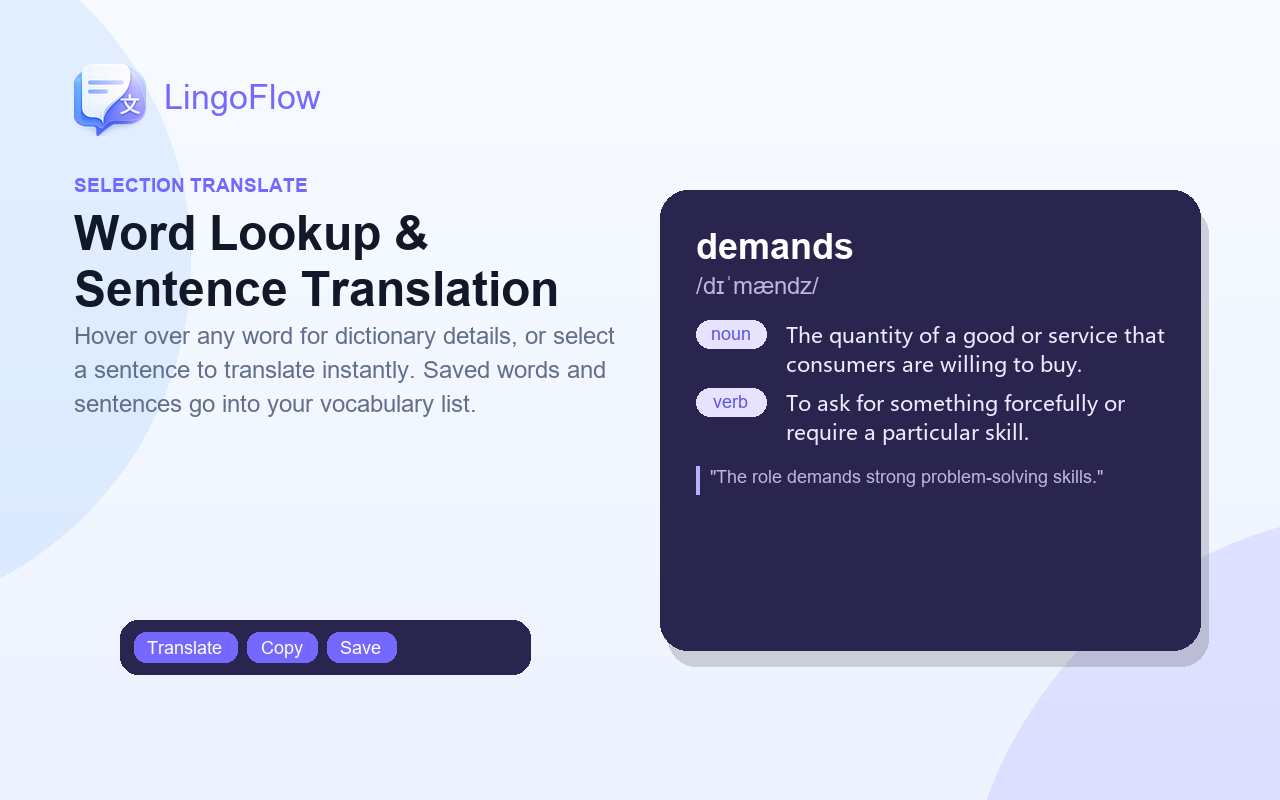
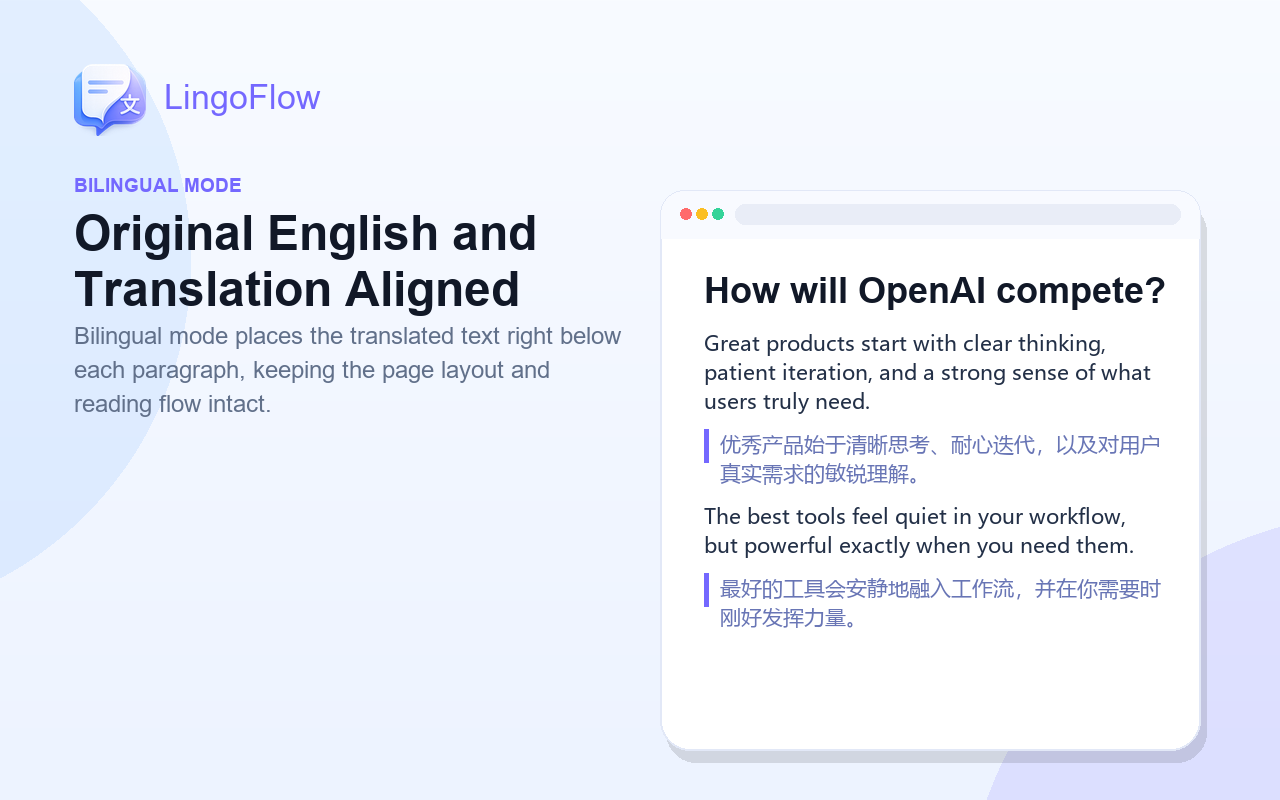
I designed LingoFlow around reading continuity: bilingual page views, quick selection translation and a lightweight vocabulary history all stay close to the original content.
03
Key product decisions
01
Keep context visible
Translations appear beside the source content so readers can compare meaning without losing their place.
02
Support different depths
Users can translate a selection for a quick answer or switch to bilingual mode for longer reading sessions.
03
Turn lookup into learning
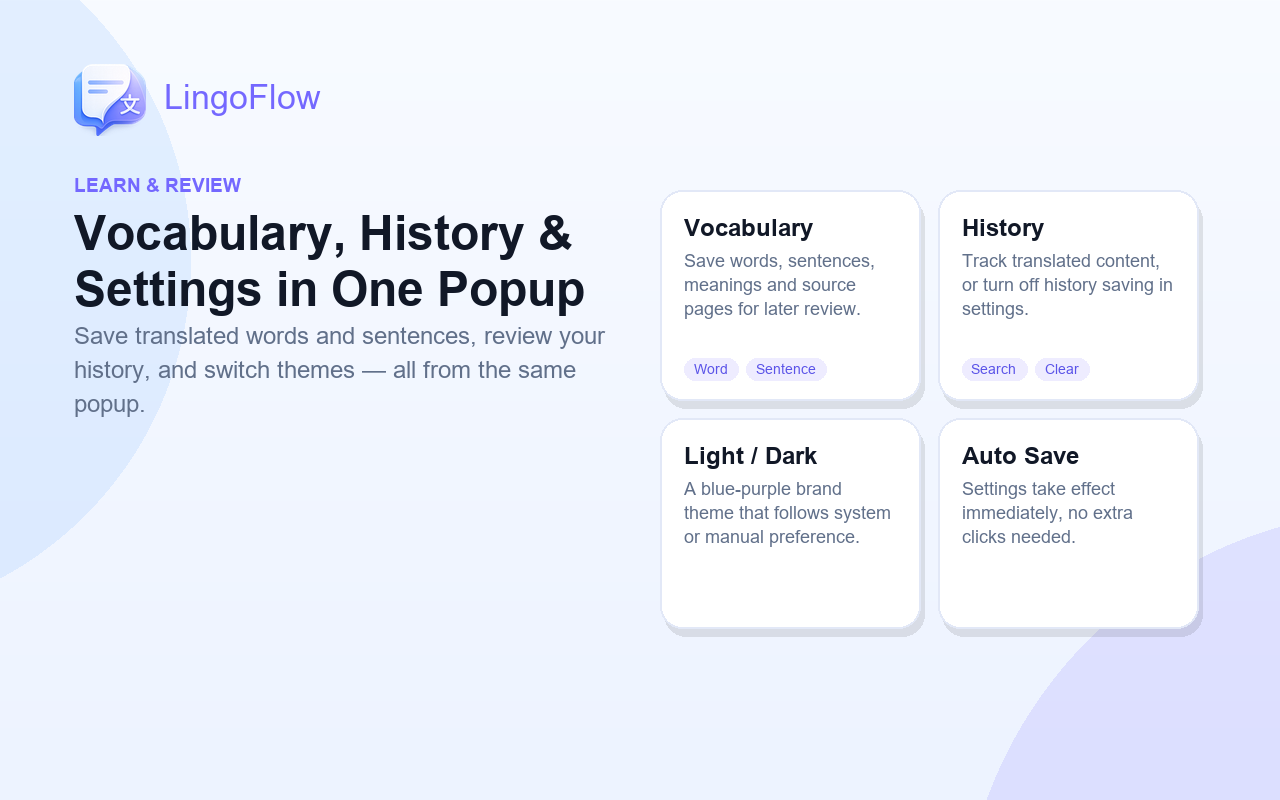
Vocabulary history preserves useful discoveries without forcing a heavy study workflow.
04
From need to launch
01
Observe
Mapped the moments where translation tools interrupted real foreign-webpage reading.
02
Design
Connected bilingual reading, selection translation and vocabulary review in one browser flow.
03
Refine
Tested multiple page structures and bilingual layouts before preparing store materials and launch.
05
What I learned
A language tool should protect the reader's attention. Translation quality matters, but placement, timing and the ability to stay in context determine whether the product feels useful.
06
Store promo graphics
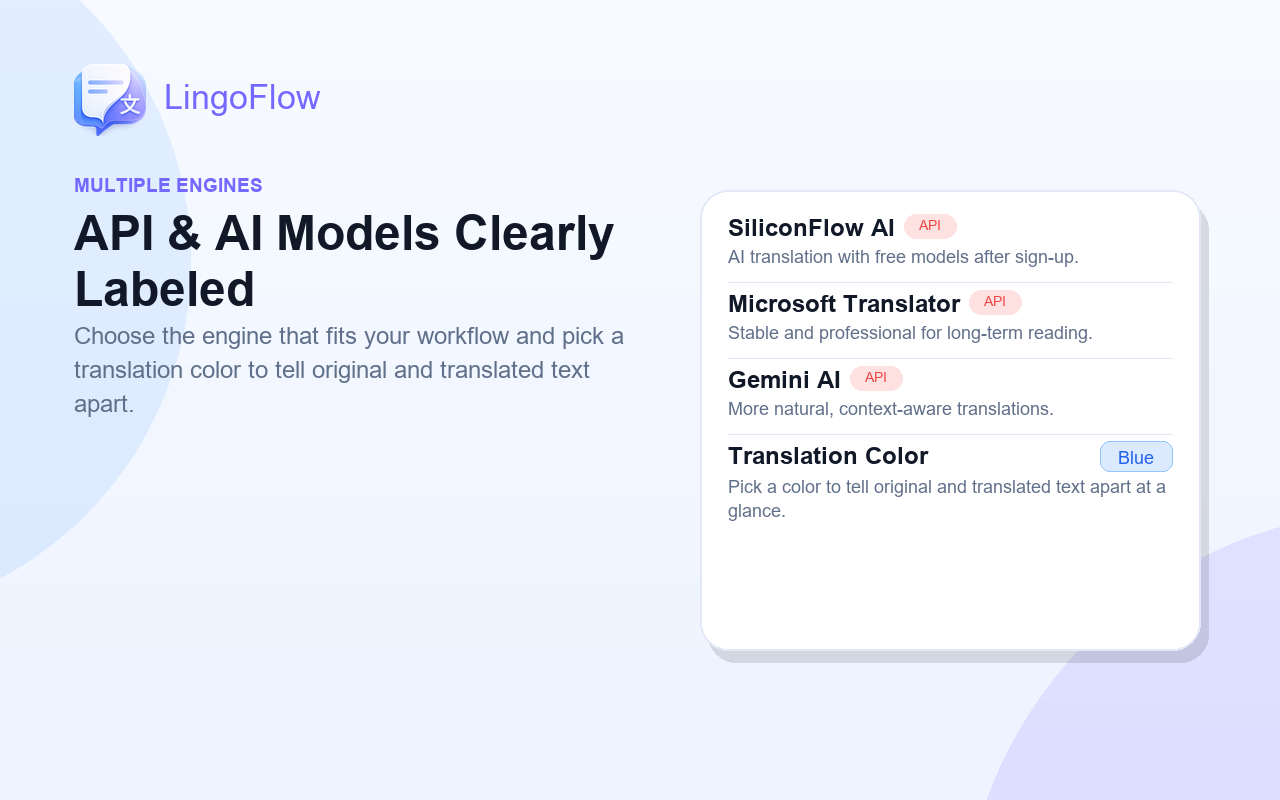
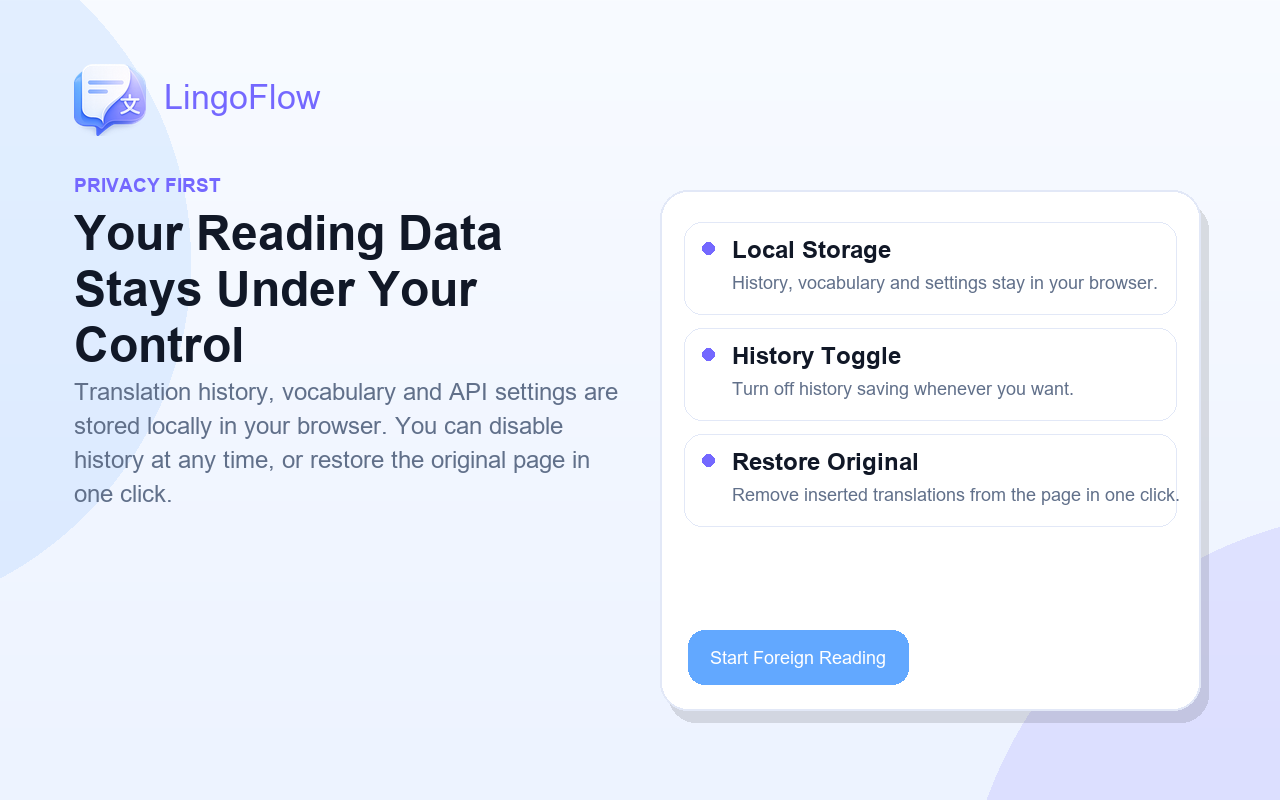
Screenshots from the Chrome Web Store listing.