AI entertainment
2026 · Chrome Extension
Magic Tarot
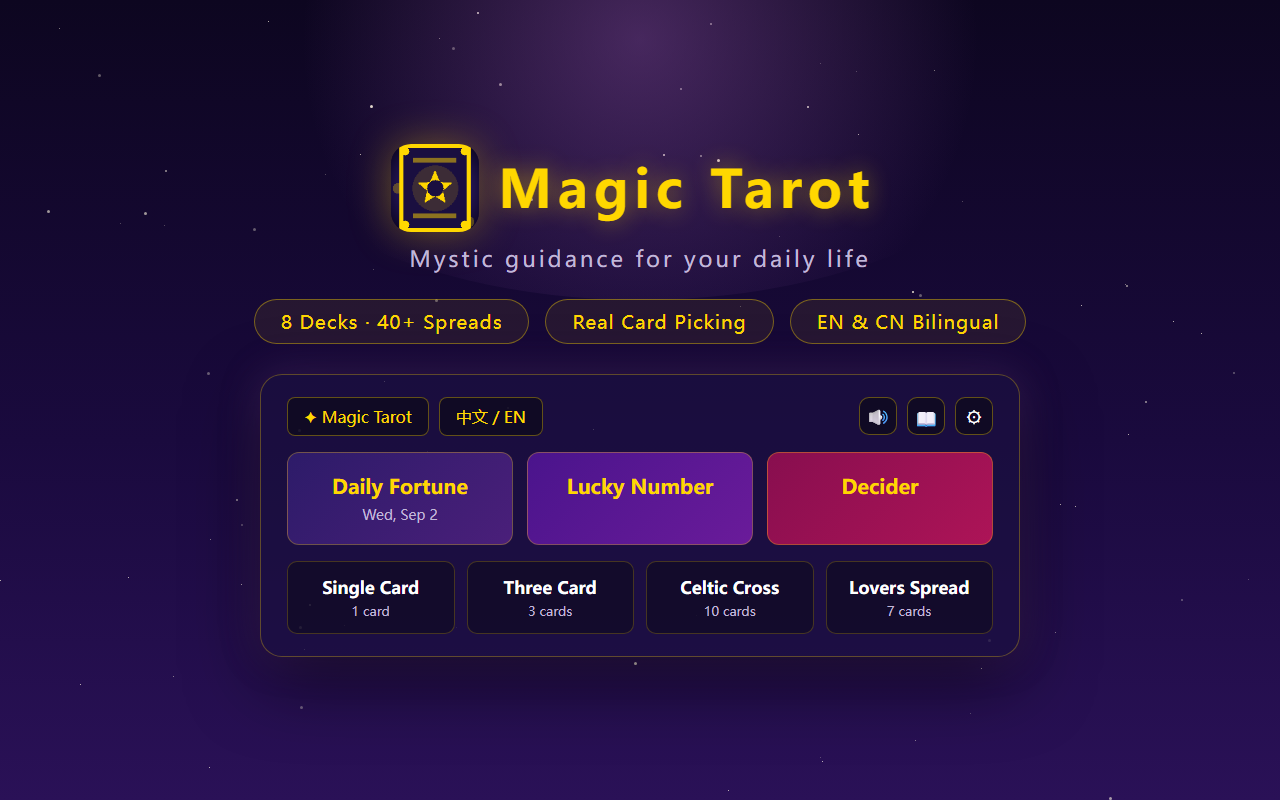
A browser tarot toolkit with 8 decks and 50+ spreads, plus AI-powered deep readings and follow-up Q&A.
- Year
- 2026
- My role
- Product definition · UX · Development · Launch
- Platform
- Chrome Extension
01
The problem
Mobile tarot apps bury readings in ads and paywalls, and the interpretations are the same canned text no matter what you ask. A quick daily draw shouldn't cost a download.
02
Product approach
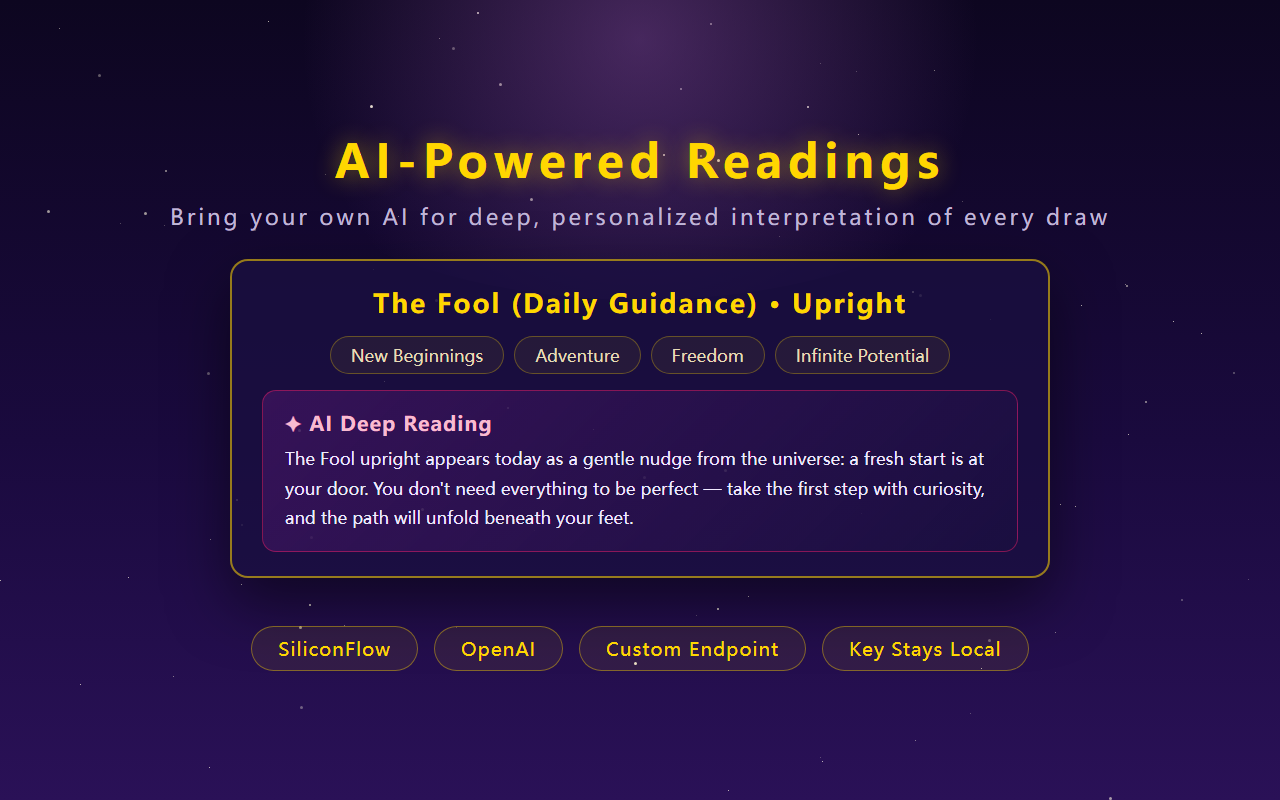
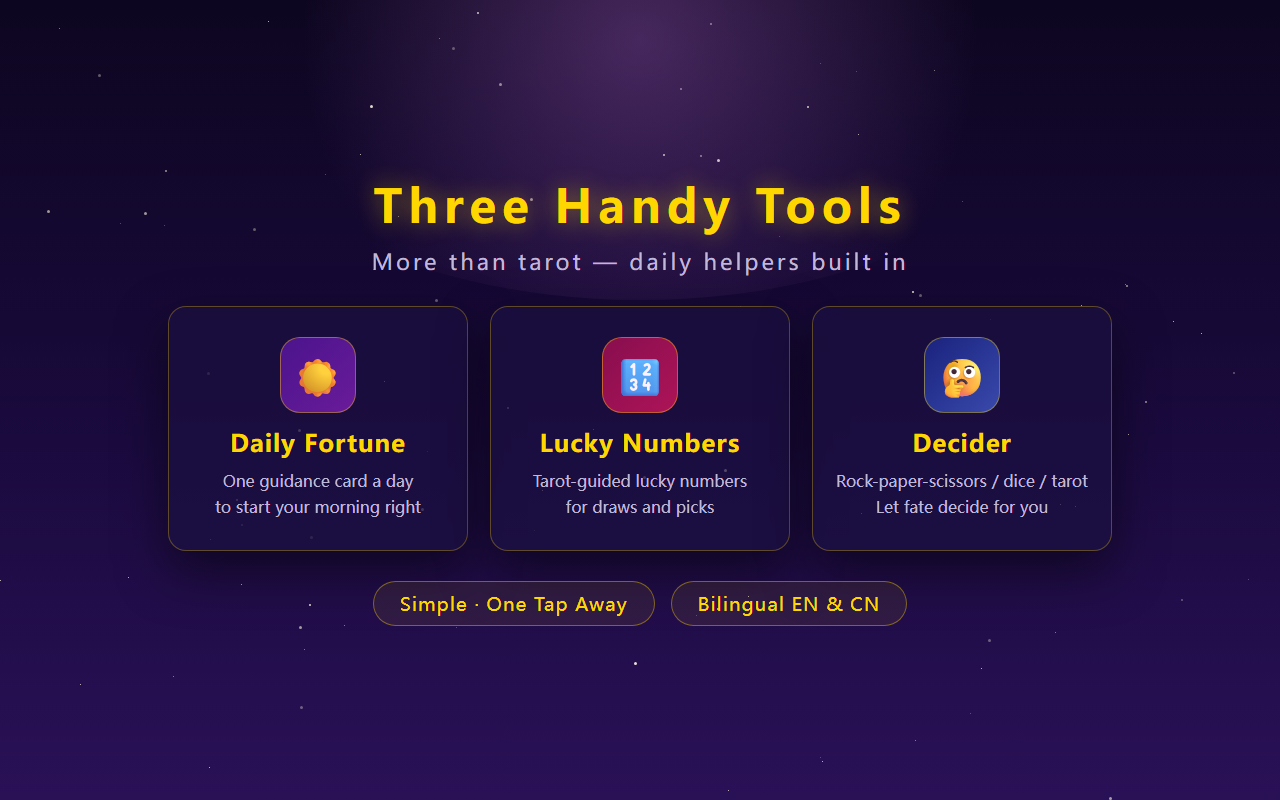
Magic Tarot runs entirely in the browser: 8 decks with unique artwork, 50+ spreads organized into 9 categories, a daily fortune generator and a dilemma helper. Bringing your own AI key unlocks structured deep readings — overall energy, per-card analysis, insights and actionable steps — with multi-turn follow-up Q&A.
03
Key product decisions
01
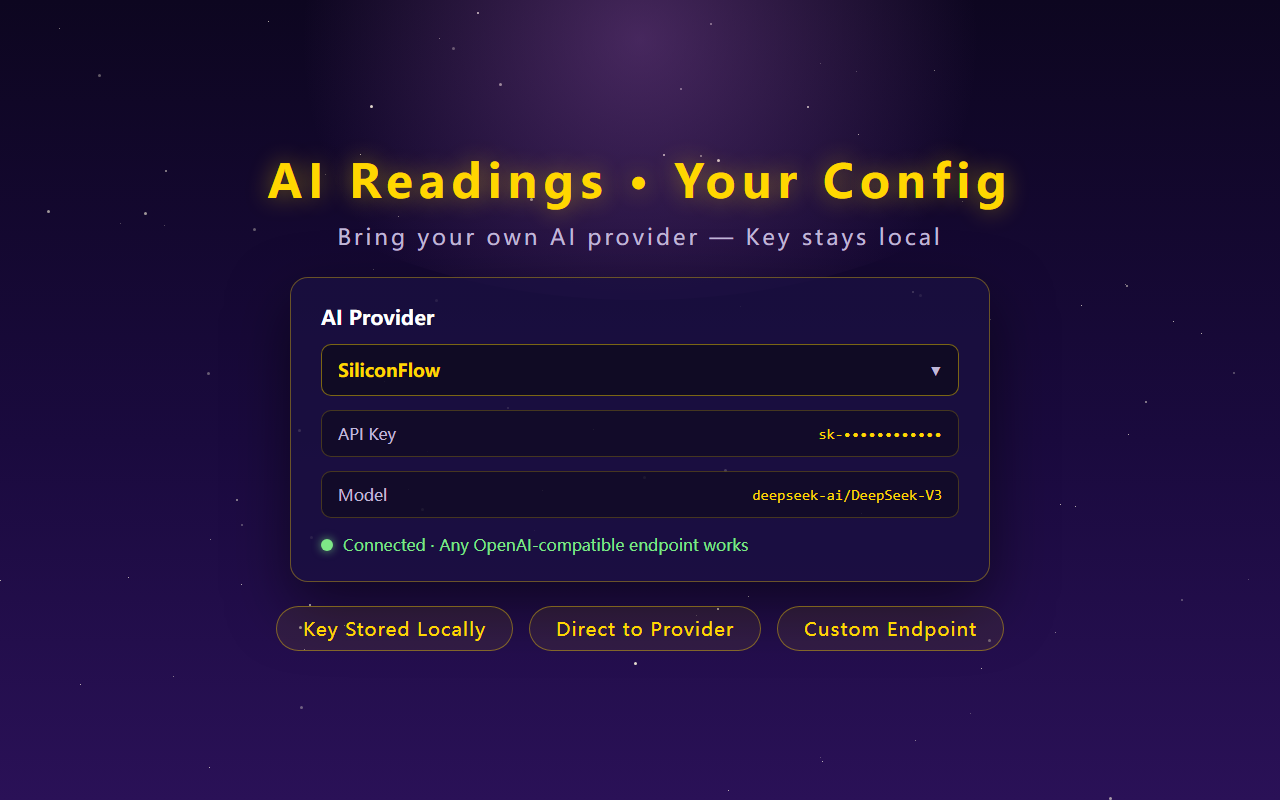
Bring your own key
AI requests go straight from the extension to the user's own provider with their key — no middleman server and no quota on my side.
02
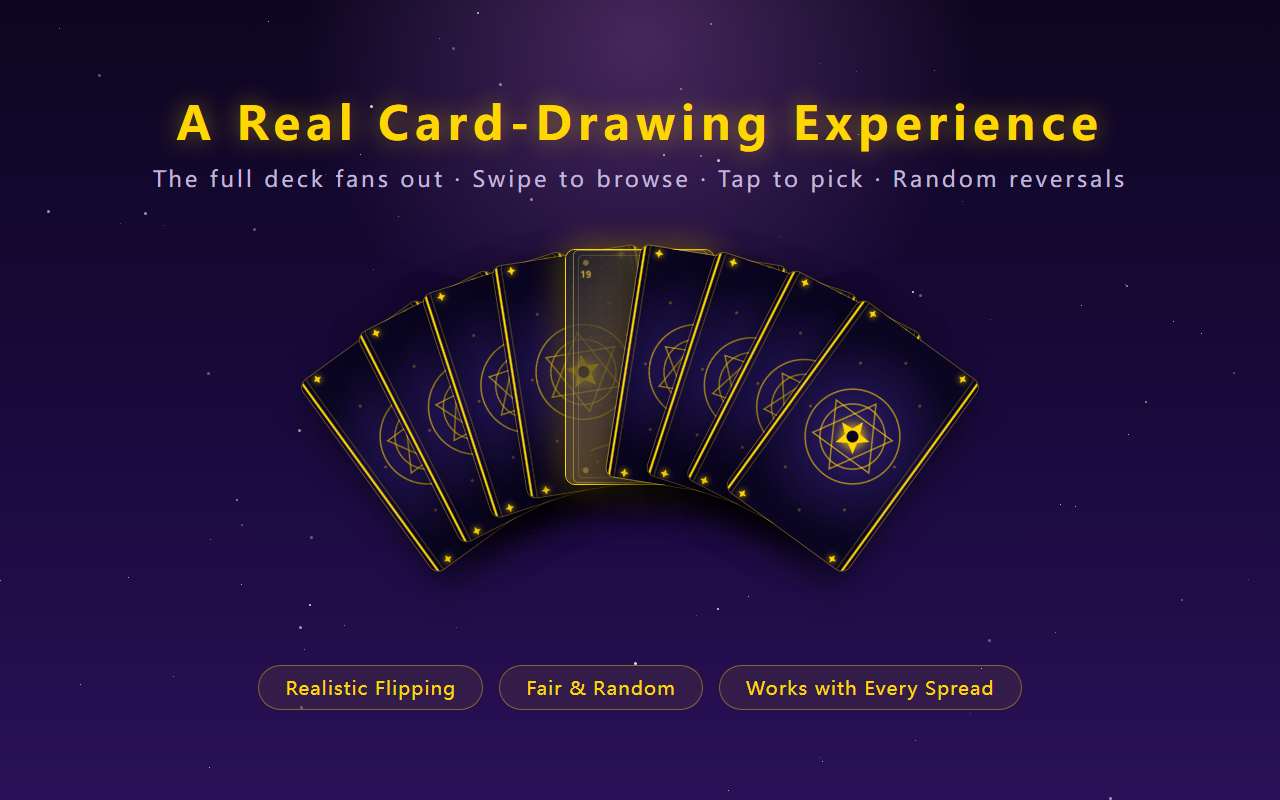
Fan-shaped card picking
Cards are drawn from an interactive fan layout instead of a plain list, recreating the feel of shuffling a real deck.
03
Clean the AI output
Model responses pass through layered cleanup that strips stray control tokens and normalizes formatting before rendering.
04
From need to launch
01
Build
Grew the deck and spread catalog over dozens of iterations, tuning interpretation tiers along the way.
02
Polish
Rebuilt the popup responsively, added the fan card-picking layer and unified the visual language.
03
Deepen
Shipped AI deep reading with skeleton loading, error classification, regeneration and persistent follow-up conversations.
05
What I learned
AI output is never clean out of the box. Layered cleanup for stray control tokens mattered as much as the prompt itself — and keeping the conversation alive across popup sessions turned a demo into a tool.
06
Store promo graphics
Screenshots from the Chrome Web Store listing.