Utility
2026 · Chrome Extension
MiniCalc
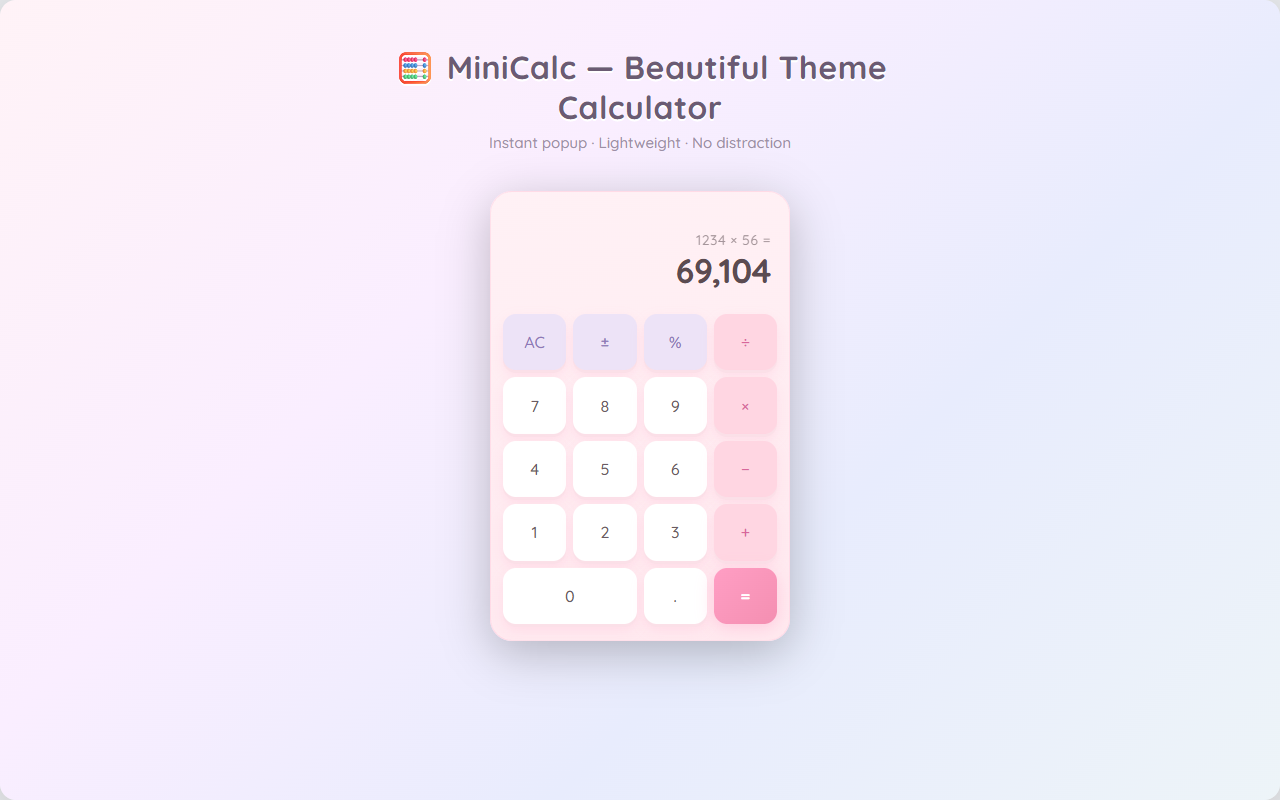
A browser-tab calculator with 130 switchable themes, an online theme store and optional click sounds.
- Year
- 2026
- My role
- Product definition · UX · Development · Launch
- Platform
- Chrome Extension
01
The problem
Quick calculations in the browser usually mean switching to a system calculator or phone app; browser-based options tend to be plain and get forgotten.
02
Product approach
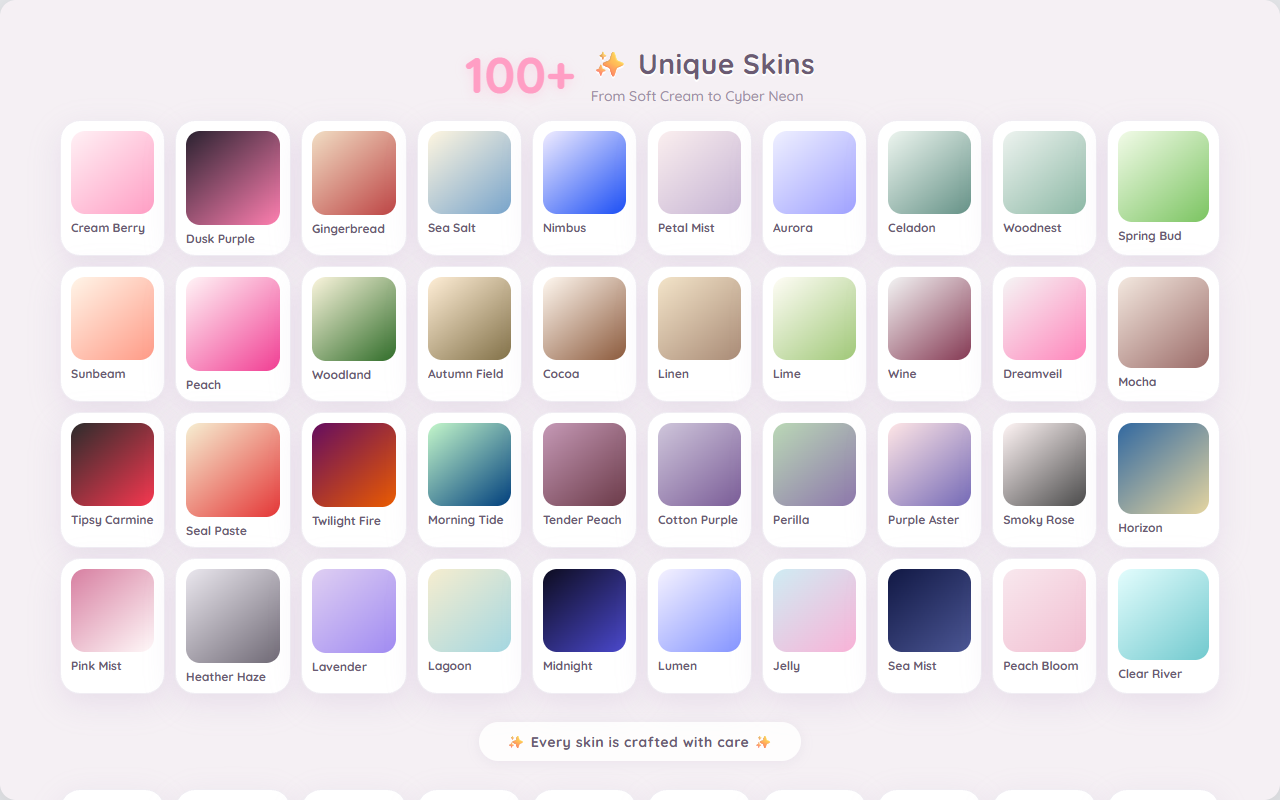
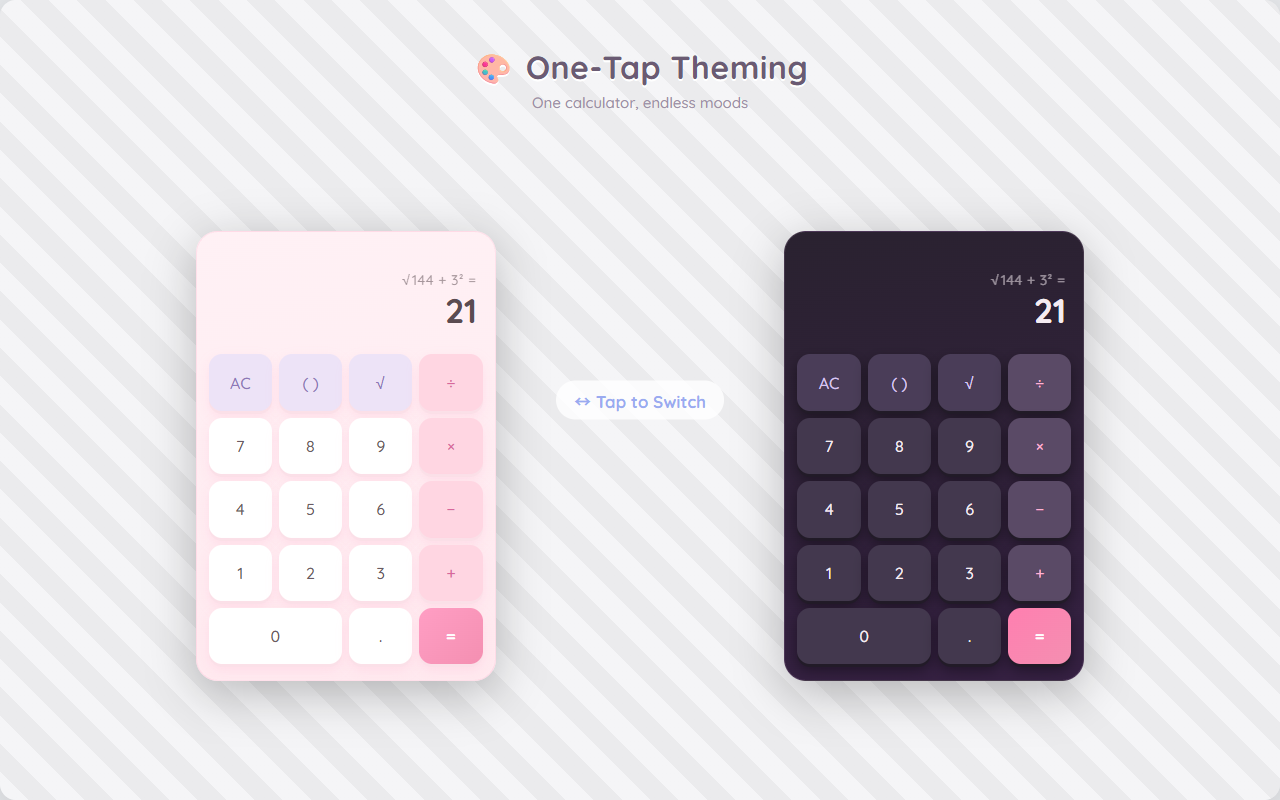
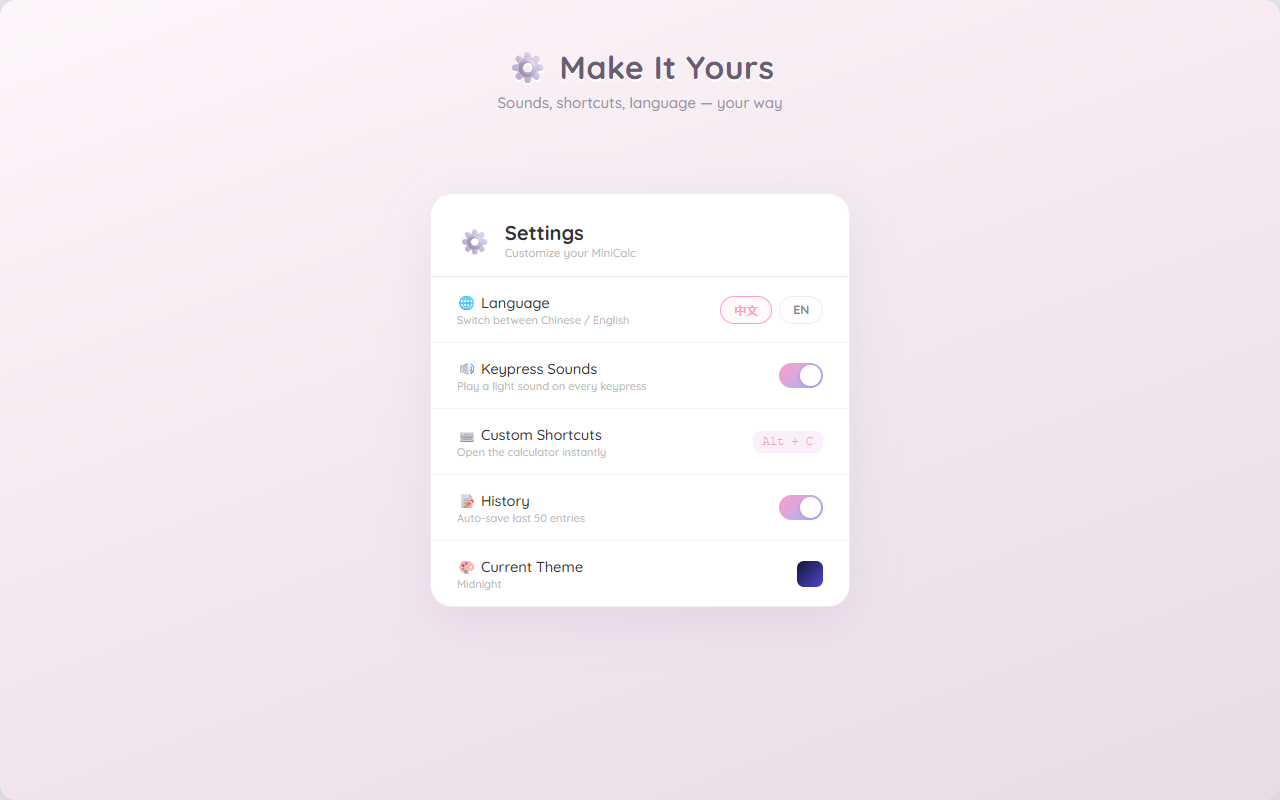
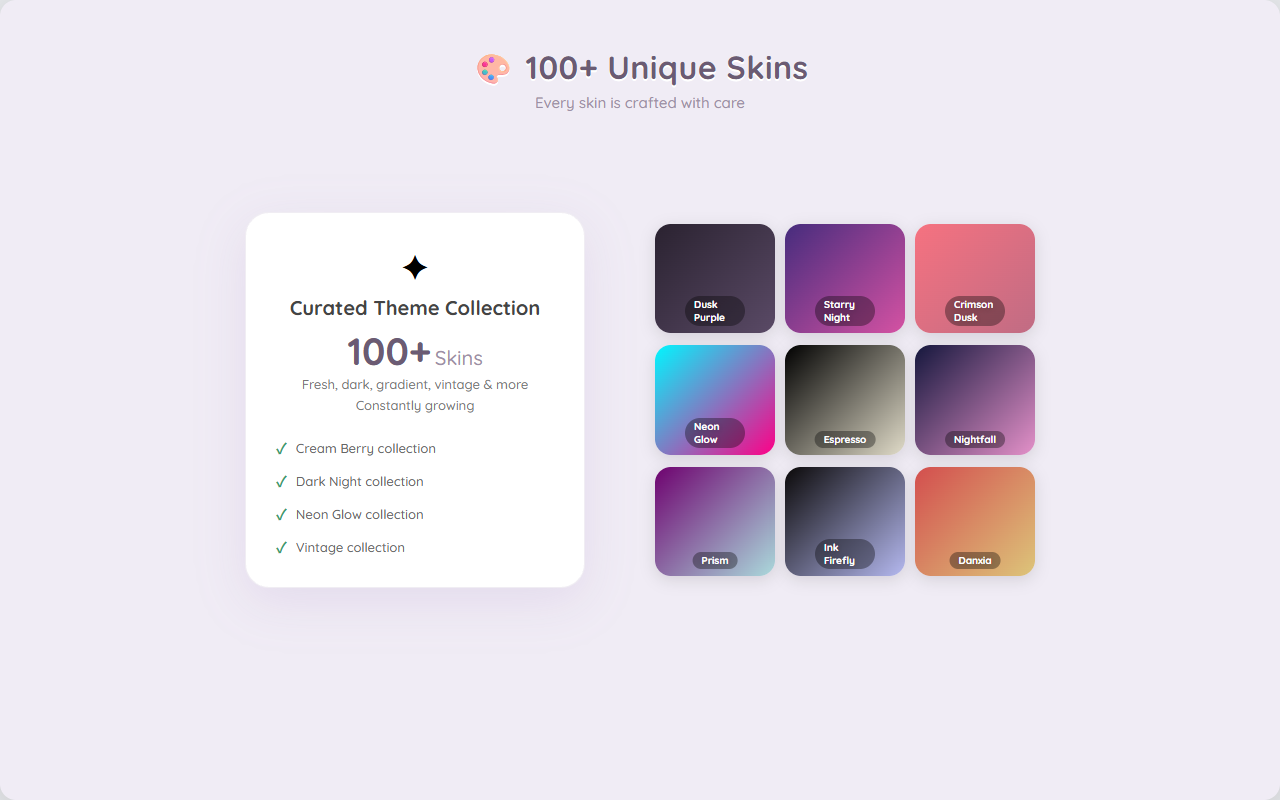
MiniCalc calculates inside the tab: 130 built-in themes, an online store for more, a keyboard-first layout and click sounds that can be turned off.
03
Key product decisions
01
A theme store, not a static list
Themes are data, so new ones can be added without releasing a new extension version.
02
Keyboard first
Type the expression, hit Enter, copy the result; the mouse is optional.
03
Sounds can be turned off
Click sounds can be switched off in settings.
04
From friction to launch
01
Leaving the page
Noticed how often a simple calculation meant leaving the page.
02
Themes came early
Themes were built early: appearance decides whether a calculator stays installed.
03
Open the theme store
Extra skins go to an online store, so the theme set keeps growing.
05
What I learned
Appearance decides whether a utility stays installed: with 130 themes, the theme set became the most-used feature.
06
Store promo graphics
Screenshots from the Chrome Web Store listing.