Design tooling
2026 · Chrome Extension
Pixel Color Picker
A browser colour picker: sample any pixel on the page, build palettes, and export values in the formats a stylesheet actually needs.
- Year
- 2026
- My role
- Product definition · UX · Development · Launch
- Platform
- Chrome Extension

01
The problem
Sampling a colour from a live page usually means a screenshot, an image editor and a converter. The value you want — HEX, RGB, HSL, a Tailwind token — always needs one more step than the tool offers.
02
Product approach
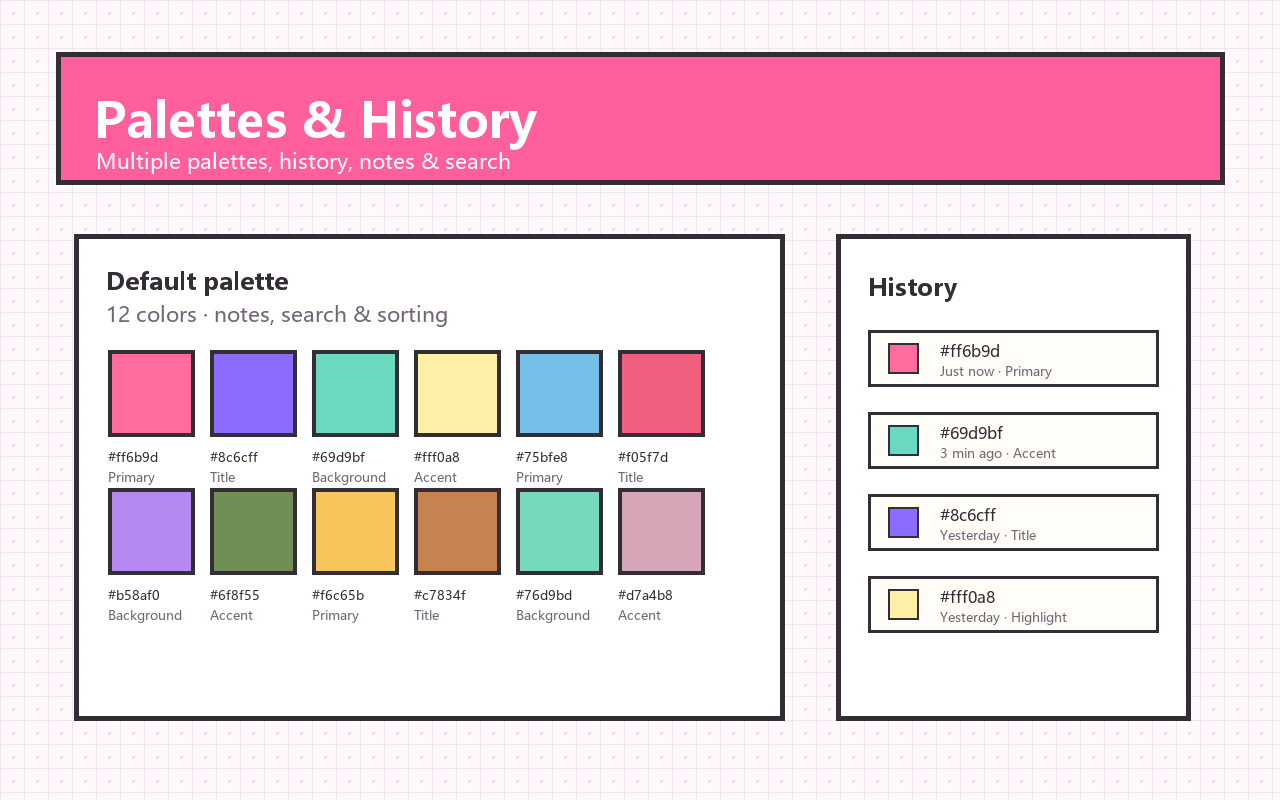
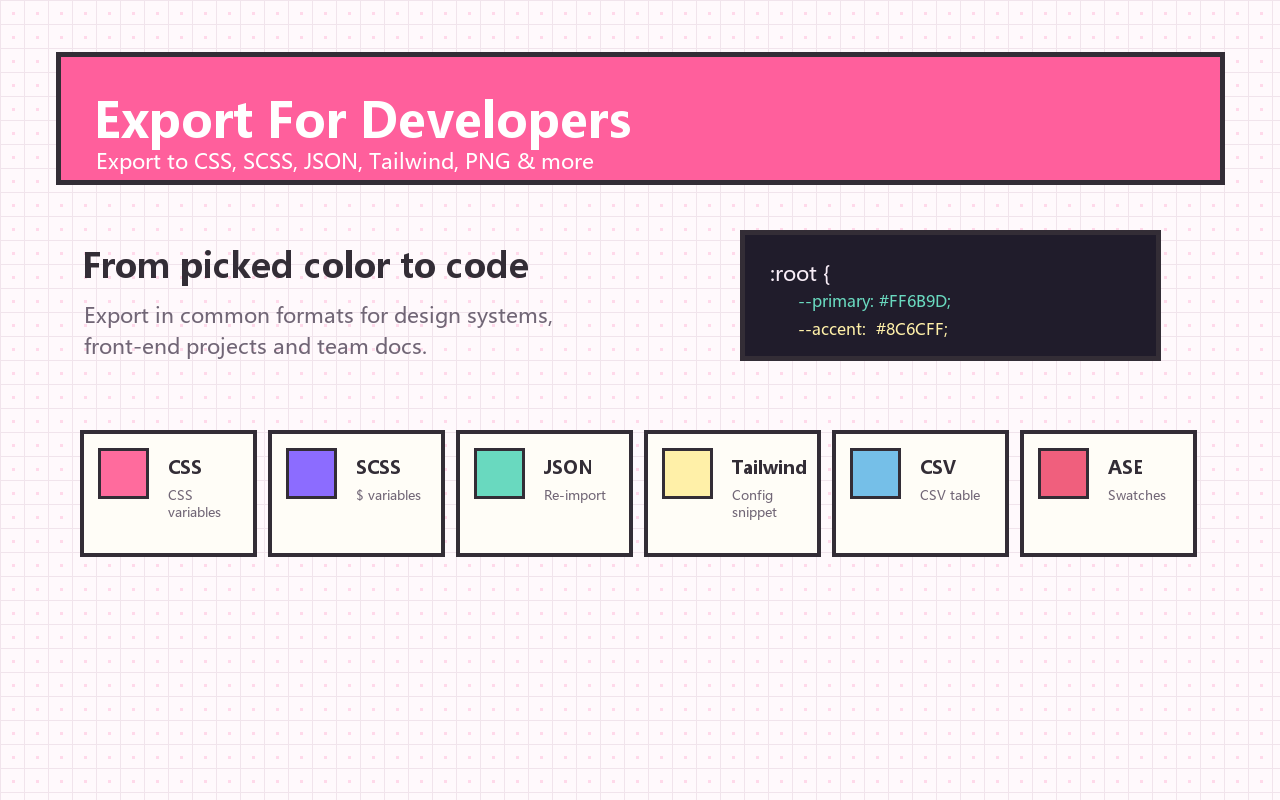
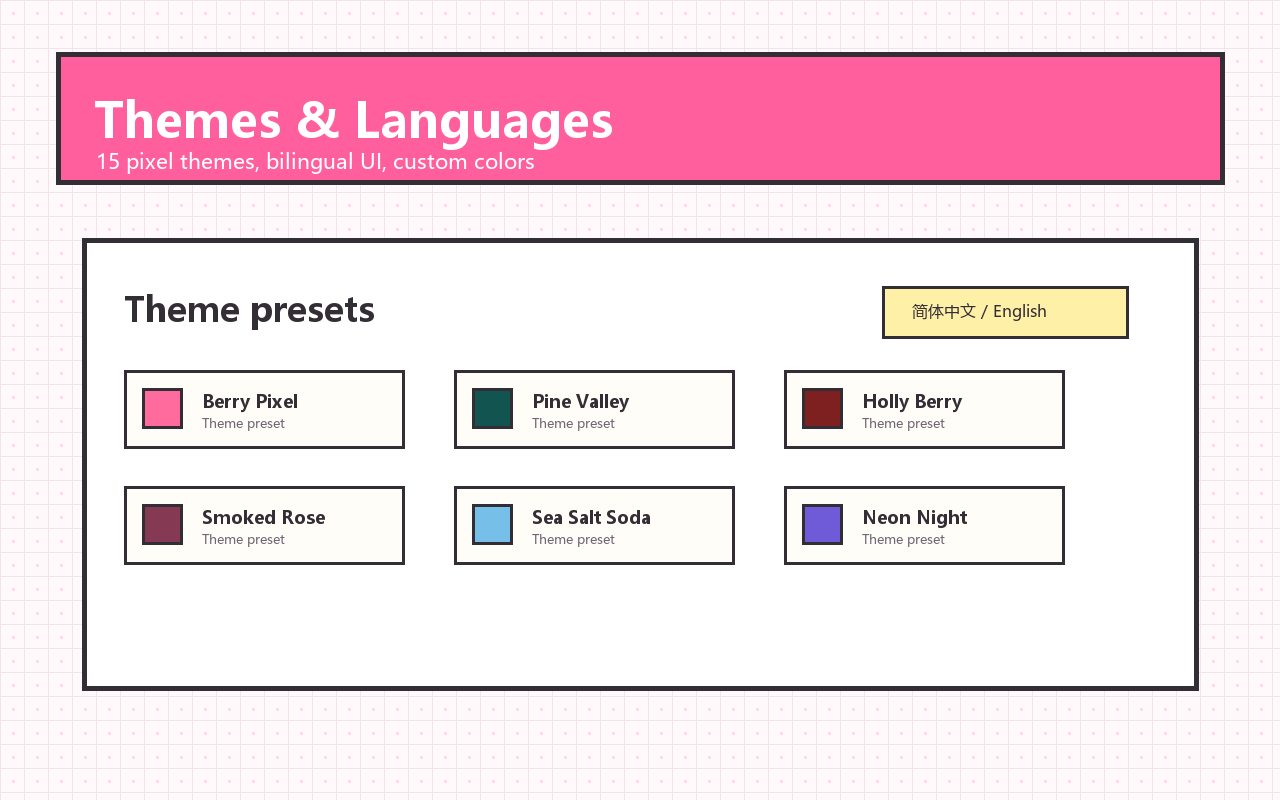
The extension samples straight from the page and keeps what it finds: pick colours with the eyedropper, build palettes, keep a history, and export CSS variables, JSON, a Tailwind config or a PNG. Twelve pixel-art themes keep it pleasant to leave open.
03
Key product decisions
01
Pick from the live DOM
Sampling the page instead of a screenshot removes the image-editor detour entirely.
02
Export what gets pasted
CSS, JSON, Tailwind and PNG output, because the value is only half the job — the format is the other half.
03
Local and lightweight
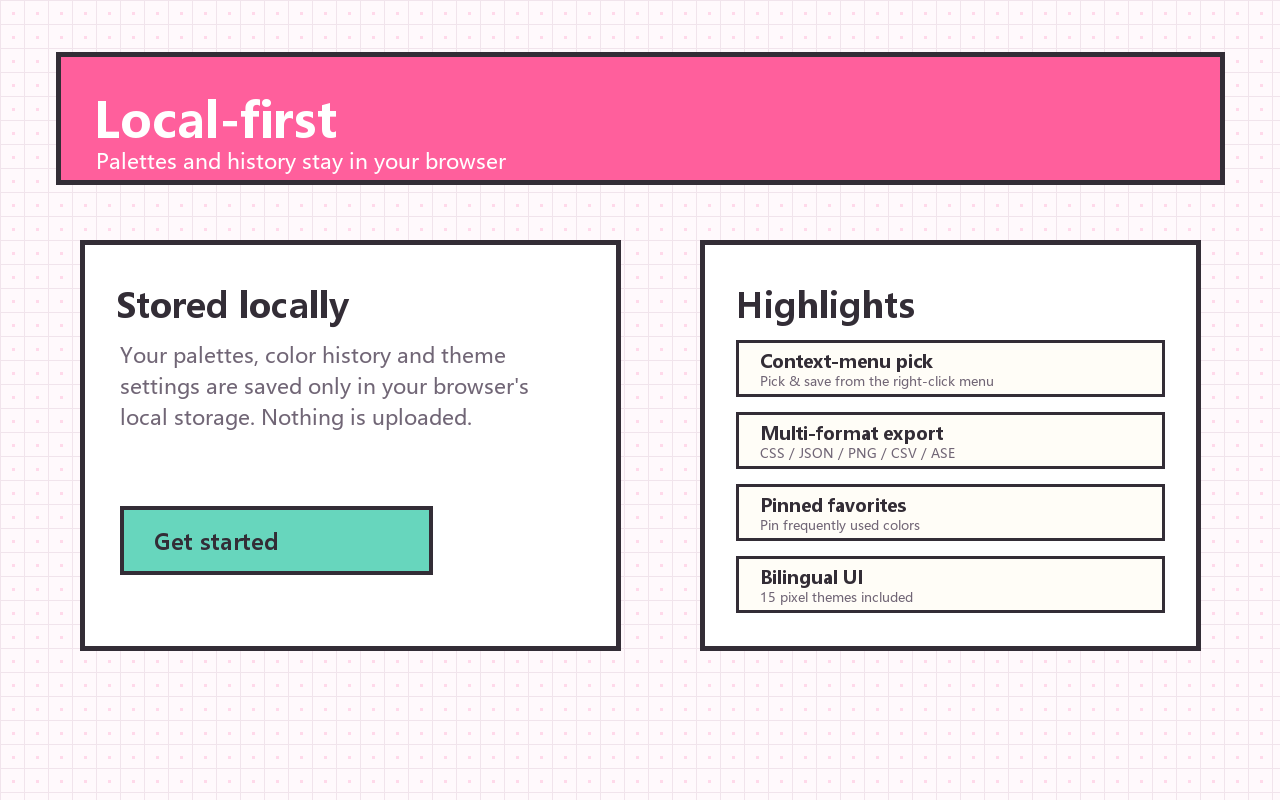
Palettes stay in the browser: no account, no sync, no upload of the pages you sample.
04
From friction to launch
01
The screenshot detour
Started from the repeated loop of screenshot, eyedropper, converter — for one colour value.
02
Formats first
Exports were designed around how designers paste values into real code, not around what is easiest to dump out.
03
Make it nice to keep open
Themes, palette history and bilingual store copy followed once the core loop was fast.
05
What I learned
The value of a colour tool is set by step count: cutting sampling from five steps to two is what puts it into daily use.
06
Store promo graphics
Screenshots from the Chrome Web Store listing.