Email assistant
2026 · Chrome Extension
ReplyPilot
An AI reply assistant inside Gmail: it drafts several reply options for the open email, keeps the thread's tone, and inserts the chosen one in place.
- Year
- 2026
- My role
- Product definition · UX · Development · Launch
- Platform
- Chrome Extension
01
The problem
A busy inbox repeats itself: quotes, timelines, returns, scheduling. Retyping each answer is slow and the tone drifts; copying the email into another AI tool and pasting the result back adds steps and reformatting.
02
Product approach
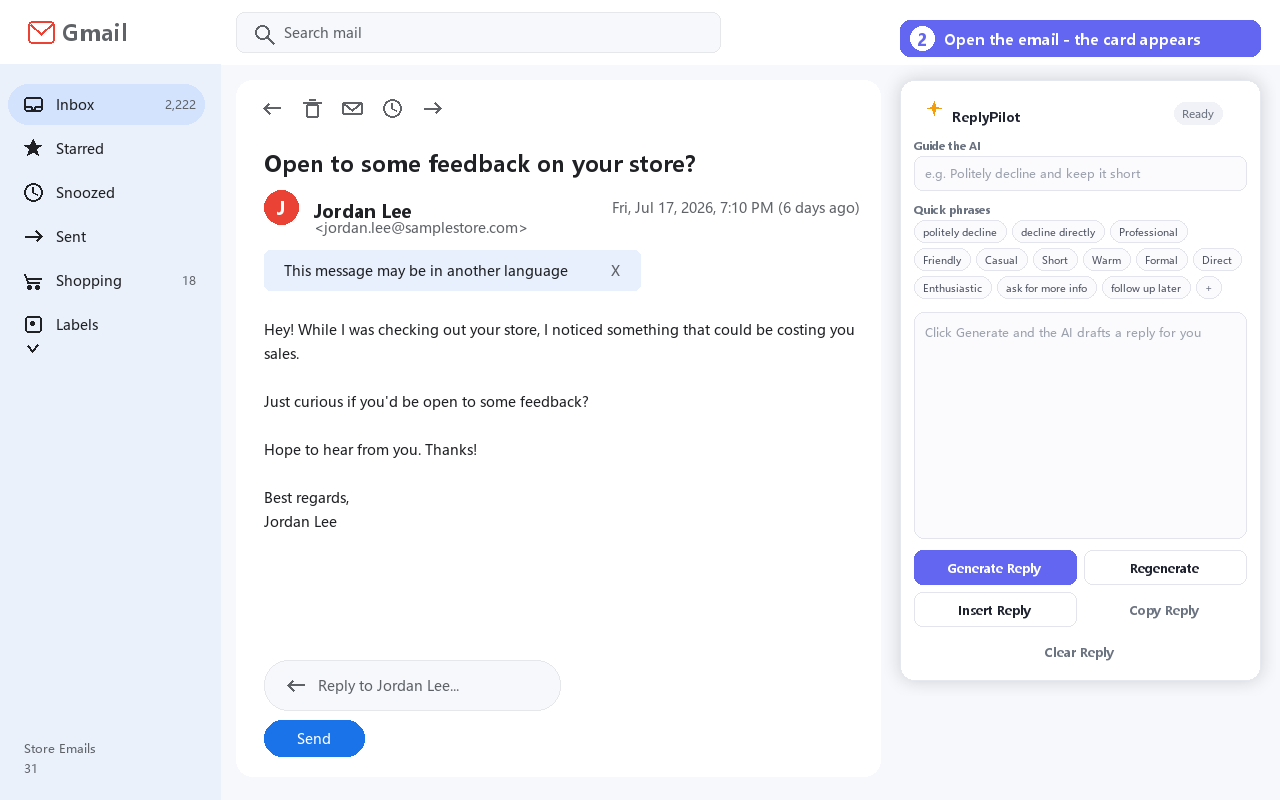
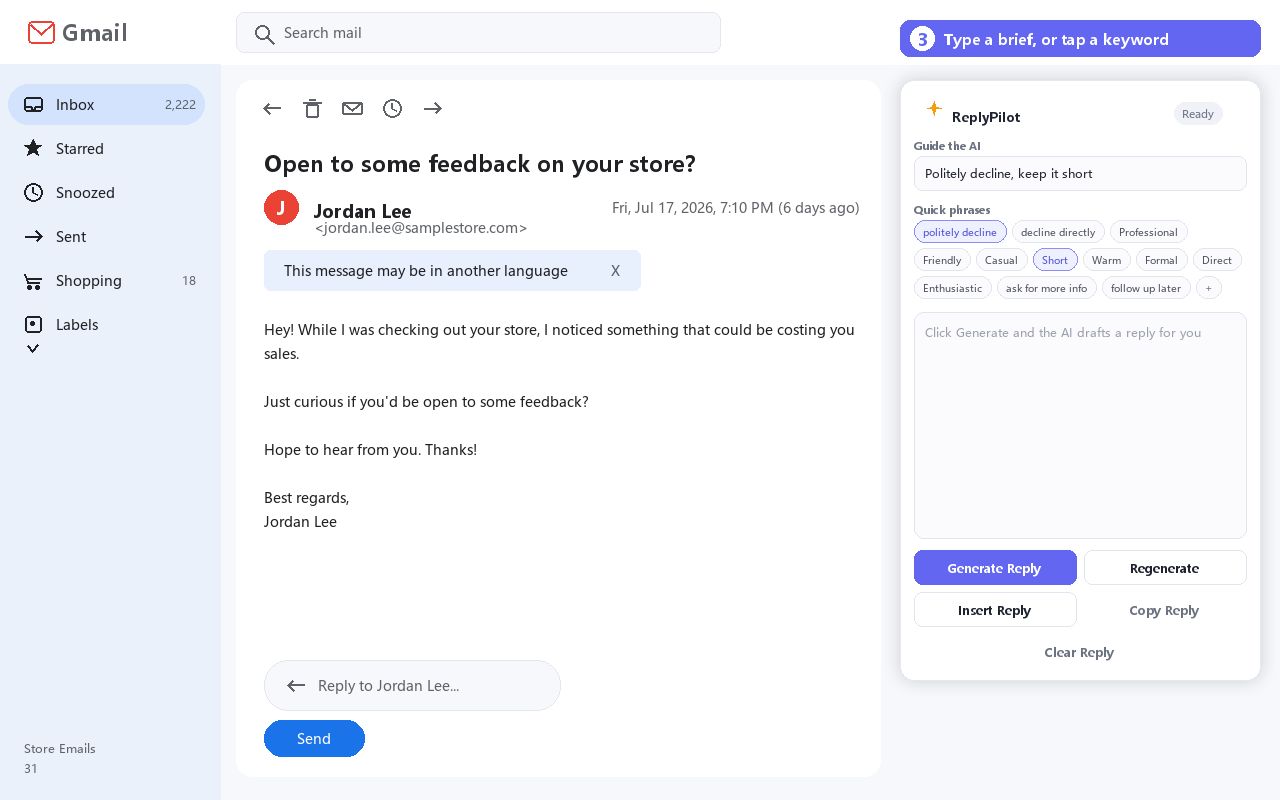
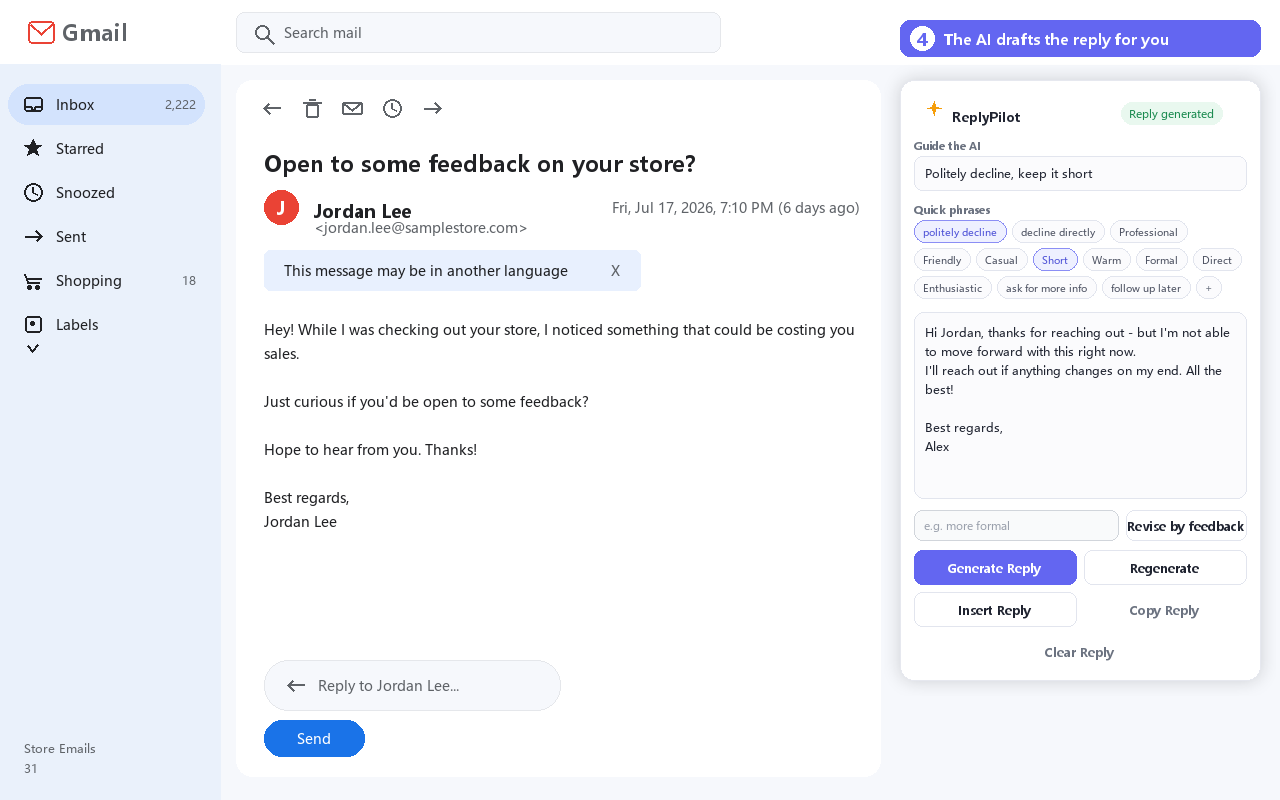
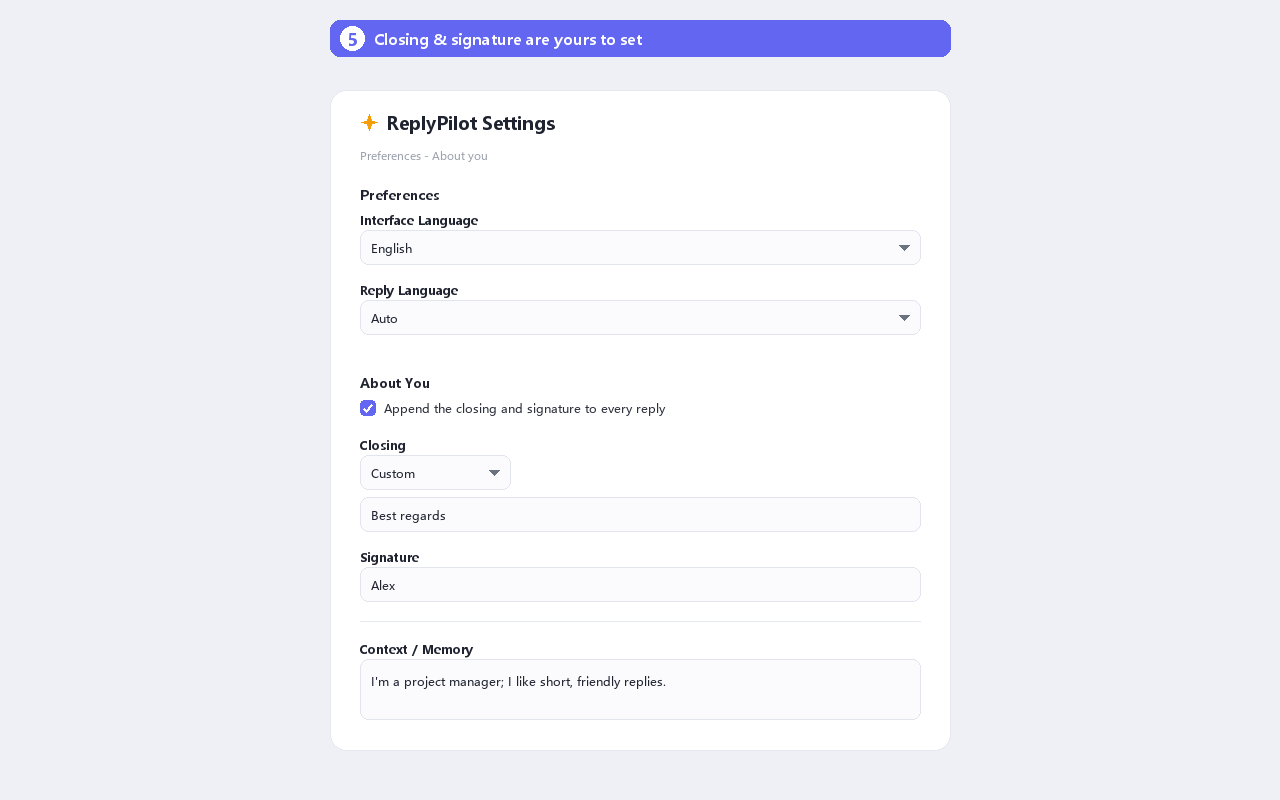
ReplyPilot sits next to the Gmail composer: it drafts several options for the open thread, follows the thread's tone, expands keyword shortcuts and appends the sign-off configured once in settings. Picking an option inserts it in place — nothing is copied between tools.
03
Key product decisions
01
Three options, not one answer
A single generated reply tends to be used as-is; positive, neutral and decline variants leave the wording choice to the user.
02
Tone memory per conversation
The second reply in a thread keeps the tone already used there, so it does not read like a different writer.
03
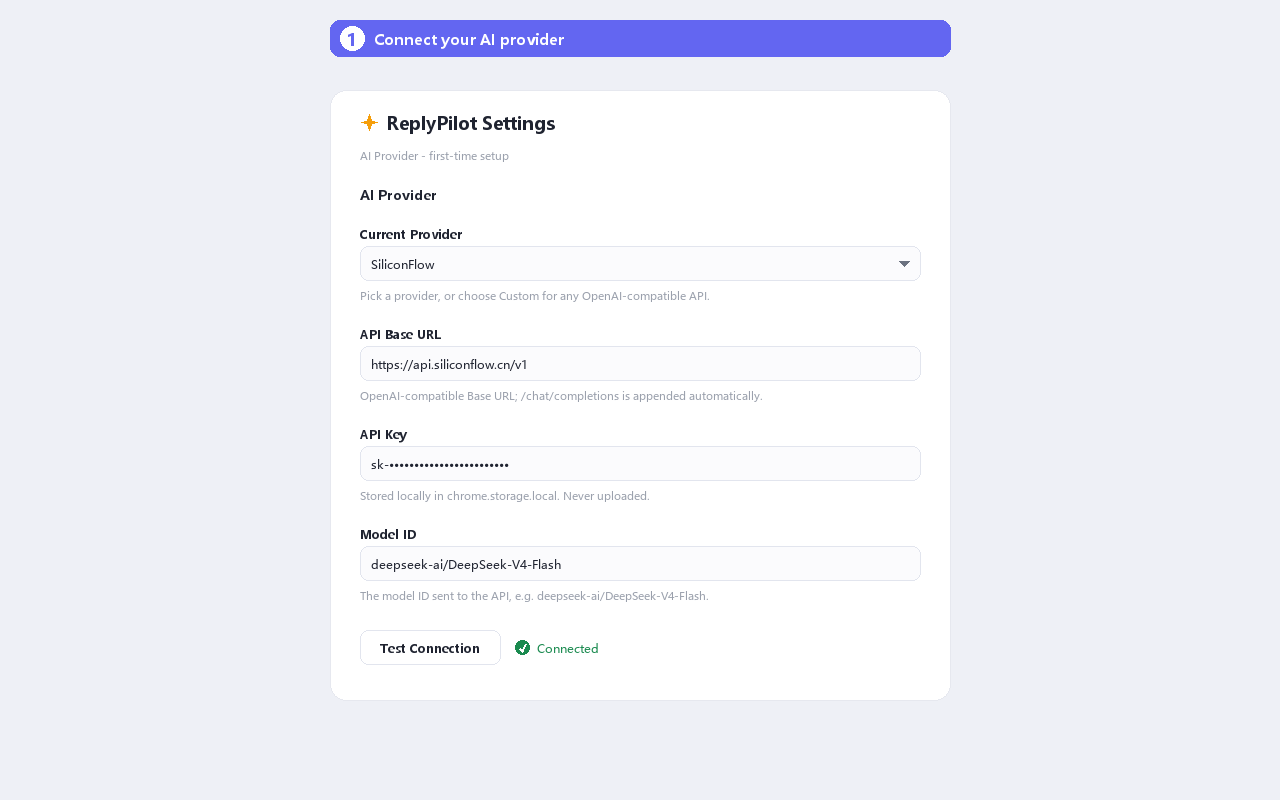
Settings stay out of the way
Sign-off and keyword shortcuts are configured once in settings; the reply surface stays as plain as Gmail.
04
From friction to launch
01
Start from the inbox
The first version answered one question: can a reply be written without leaving the open thread?
02
Design for the tenth reply
Keyword shortcuts, tone memory and the sign-off template target repeated content: most emails are old questions asked again.
03
Make it survive a real inbox
Long quoted chains, multi-language threads and chatty back-and-forths were tested against real mail before publishing.
05
What I learned
Inside Gmail the value is in removed steps: drafting, revising and inserting in one place takes out the copy, switch and paste loop.
06
Store promo graphics
Screenshots from the Chrome Web Store listing.