YouTube utility
2026 · Chrome Extension
SubtitleMate for YouTube
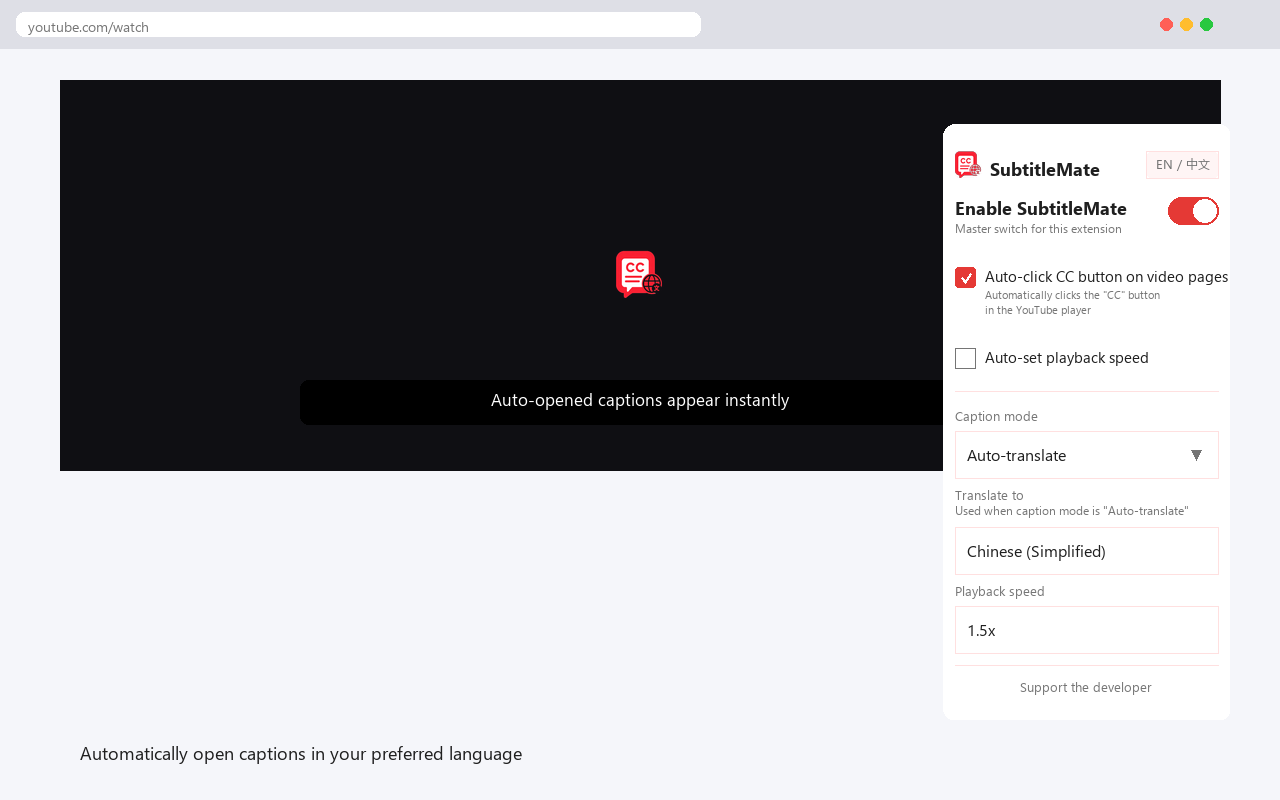
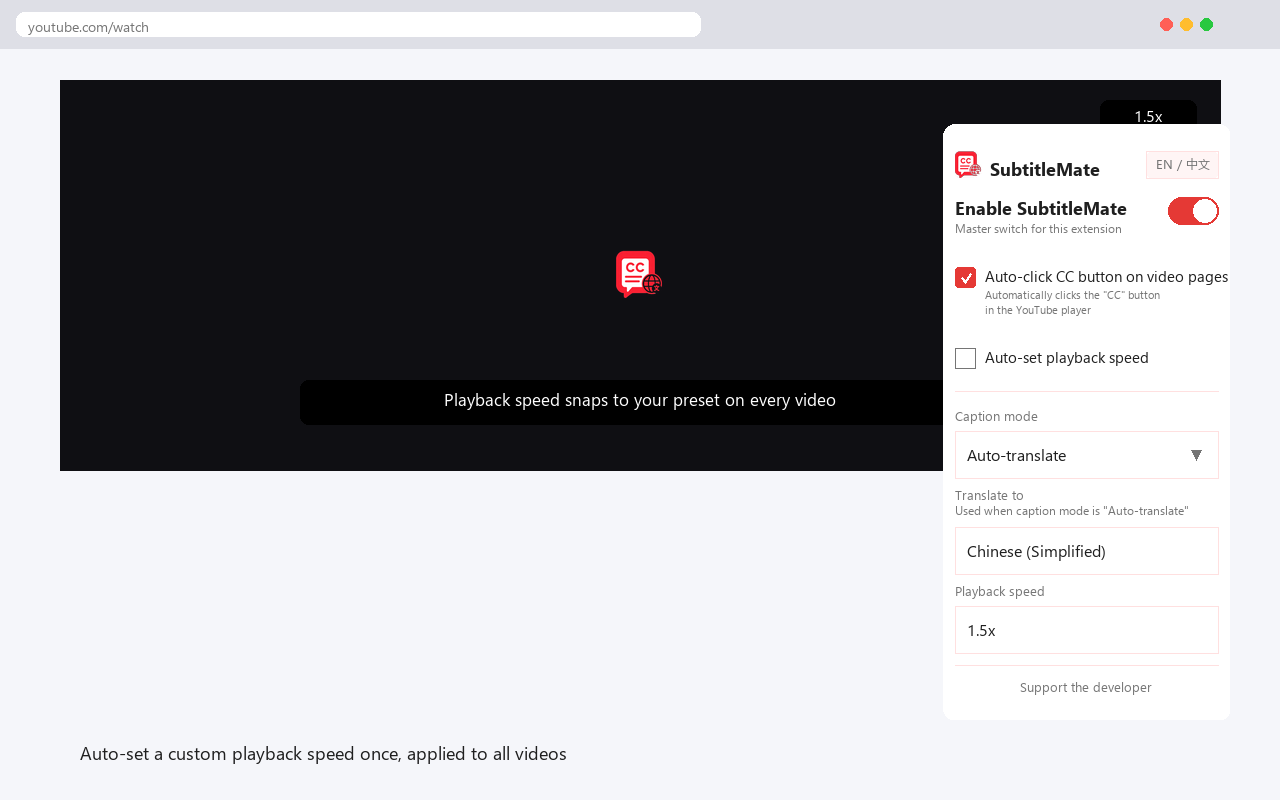
A lightweight extension that remembers your caption language and playback speed, then applies them on every YouTube video.
- Year
- 2026
- My role
- Product definition · UX · Development · Launch
- Platform
- Chrome Extension
01
The problem
Every video starts with the same ritual: open the settings menu, hunt for the subtitle track, pick a language and adjust the playback speed. On multi-language videos the right track hides behind extra menus, and none of it sticks between videos.
02
Product approach
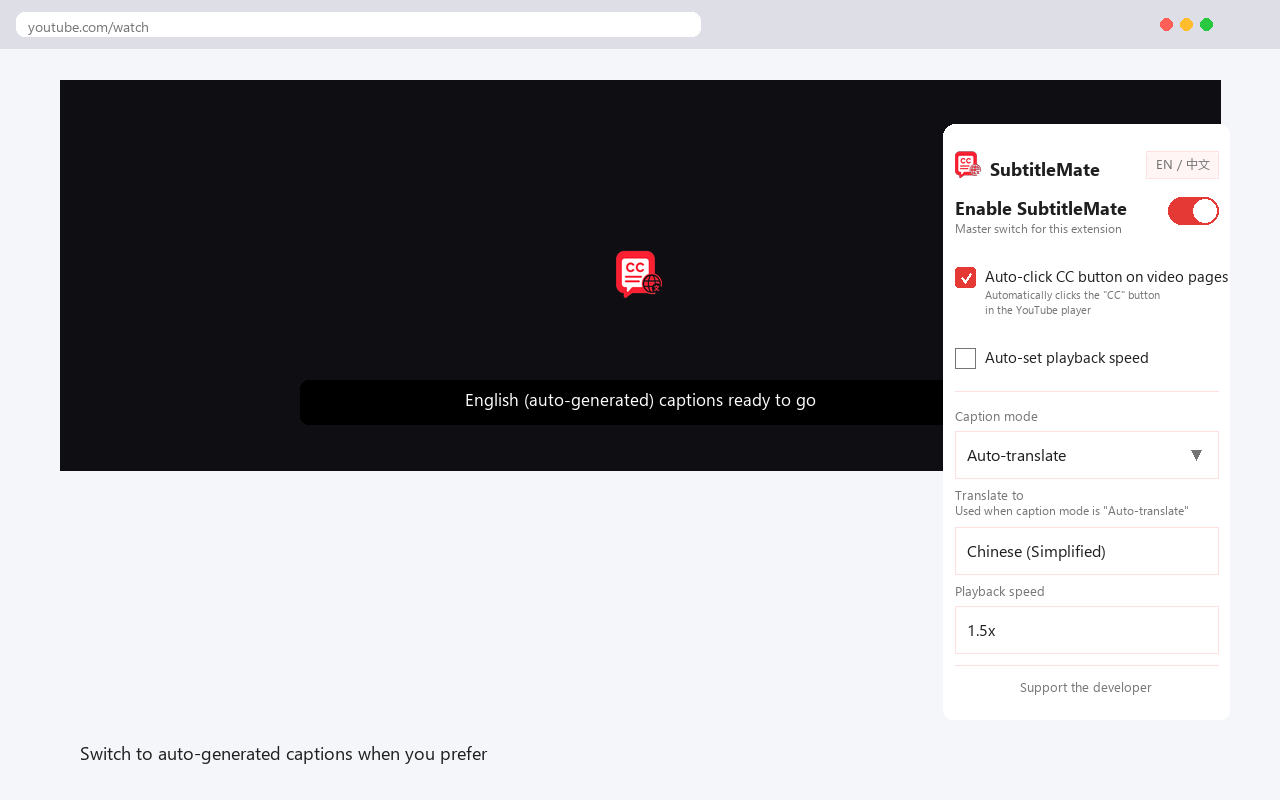
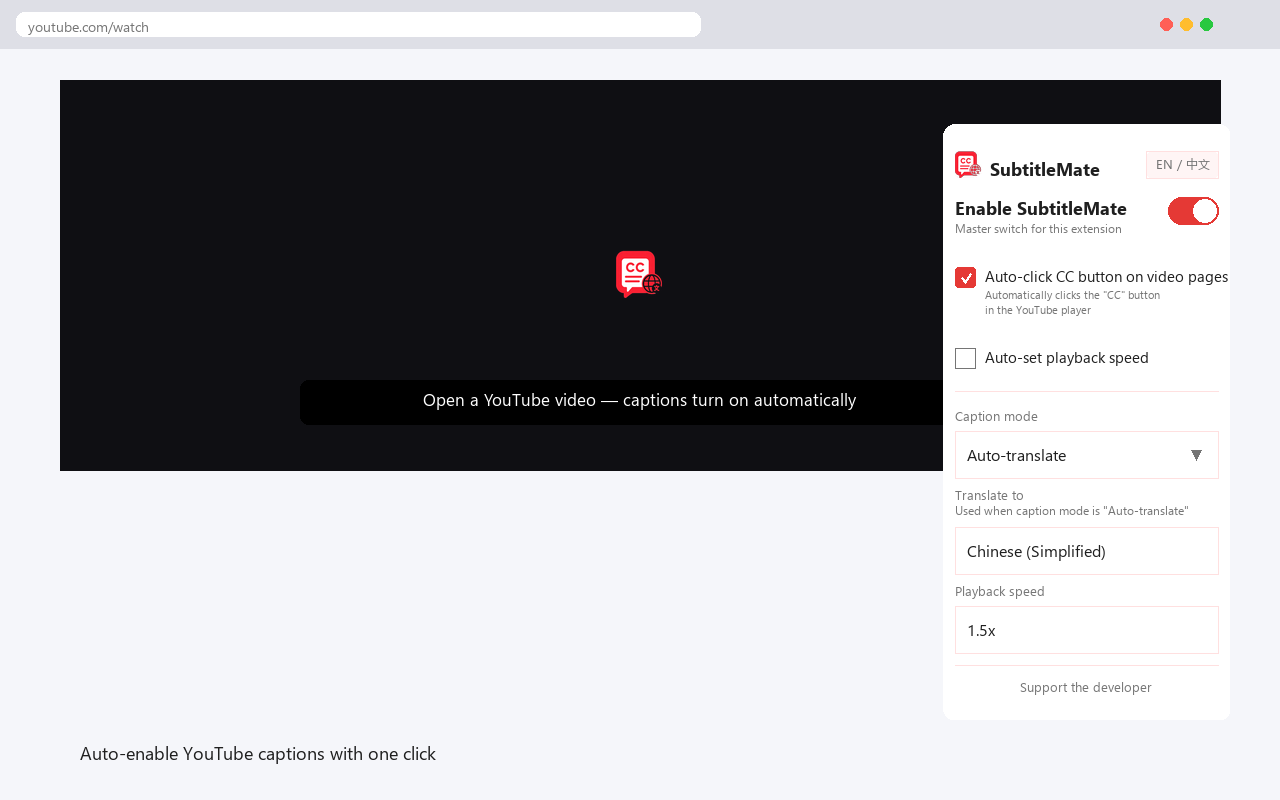
SubtitleMate turns the ritual into a one-time setup. The popup remembers your caption mode, source and target language and preferred speed; a background script applies them to every video automatically, with API-first control and a UI fallback for resilience.
03
Key product decisions
01
API first, UI as fallback
The extension drives YouTube's player API through a main-world bridge, and only falls back to simulated menu clicks when the API path is unavailable.
02
Check before retrying
The script verifies the current caption and speed state first, skips when already correct, and caps retries at three so a stubborn video never loops.
03
Minimal permissions
No activeTab or scripting permissions — the extension runs only on YouTube watch pages and stores all settings locally.
04
From need to launch
01
Prototype
Started with simulated clicks, then rebuilt on the player API after the first approach proved fragile.
02
Harden
Added pre-checks, deduplication and retry caps to survive YouTube UI changes and multi-language videos.
03
Ship
Aligned store screenshots with the real UI, moved the privacy policy into the repo and shipped v1.0.2.
05
What I learned
The feature was easy; the environment was not. Building layered fallbacks for a page that keeps changing taught me more about defensive engineering than any greenfield project.
06
Store promo graphics
Screenshots from the Chrome Web Store listing.