
Quick utility
2026 · Chrome Extension
TinyPalette
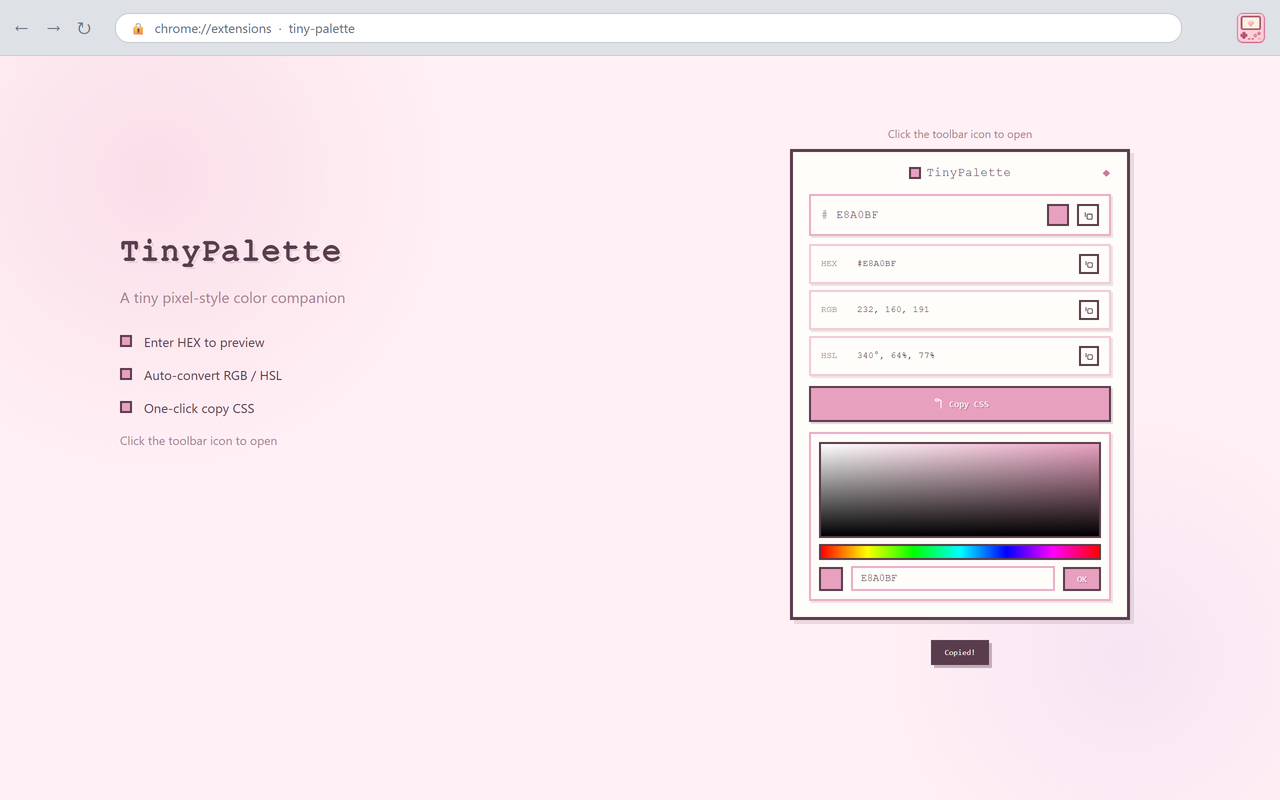
A popup colour tool: preview a HEX value, convert it to RGB/HSL, sample a colour from the page and copy any value.
- Year
- 2026
- My role
- Product definition · UX · Development · Launch
- Platform
- Chrome Extension
01
The problem
Previewing a HEX value or converting it to RGB/HSL usually means opening a separate page, adding steps to a two-second task.
02
Product approach
Everything happens in the popup: type a HEX to preview it, read the RGB and HSL values, sample colours from the page with the eyedropper, and copy any value.
03
Key product decisions
01
No onboarding
The input field is the first screen; the preview updates as you type.
02
Copy is the point
HEX, RGB, HSL and a CSS snippet each have a copy button.
03
Popup only
Everything happens in the popup; the page you are viewing is never modified.
04
From friction to launch
01
A two-second question
Started from how often checking one colour value needed another website.
02
Trim the flow
Preview, conversion, picker and copy were fitted into one popup.
03
Keep the scope
The scope stayed fixed after launch: no palette manager or extra modules were added.
05
What I learned
For a small question, a focused popup beats a full app: every extra panel adds a step.